Why this matters: Animated SVGs are infinitely scalable and orders of magnitude smaller than GIFs or WebMs, but they've historically required tedious hand-coding of SMIL tags or complex CSS keyframes. Designers often rely on heavy, proprietary GUI tools to create even simple pulsing or path-drawing effects. Gemini 3.1 Pro changes the equation, turning the "dark art" of vector math into a conversational interface.
MorphLab was born out of a desire to bridge the gap between static vector art and complex web animations without touching a single frame on a timeline. By providing a multimodal LLM like Gemini 3.1 Pro with raw path data and a natural language instruction, we can generate dynamic, production-ready assets at the speed of thought.

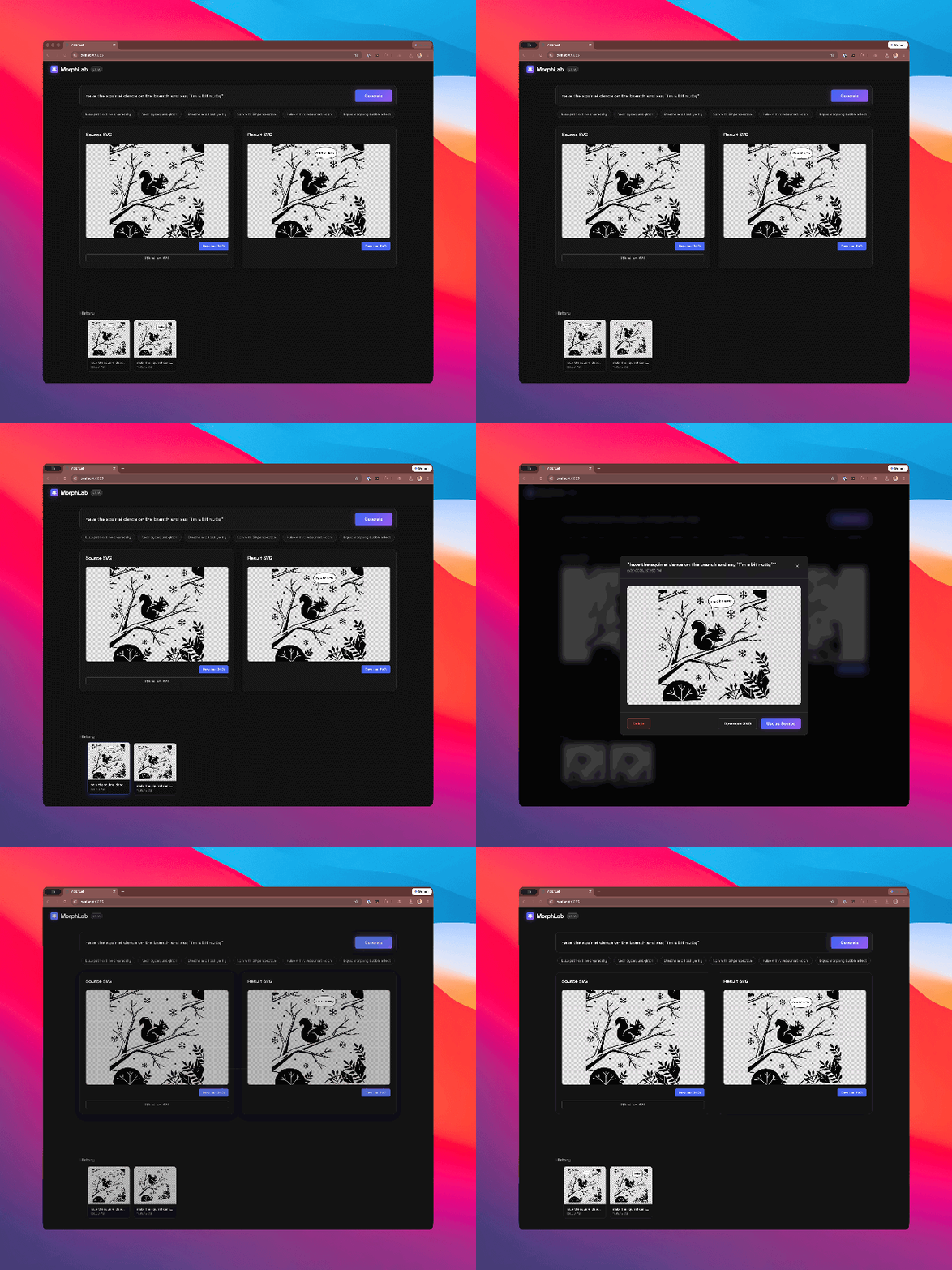
This is a 28k svg.
The Weight Problem: Why Not Just Use a GIF?
Before we look at how to generate these, it's worth asking: why bother with animated SVGs when we have GIFs, WebP, and WebM?
The answer is weight and crispness. If you want a simple, transparent, looping animation on a website—say, a glowing server icon or a pulsing logo—a transparent GIF is heavy, pixelated, and notoriously bad at edge anti-aliasing. WebM and animated WebP solve the quality issues, but you are still downloading megabytes of rasterized video frames for what is essentially moving geometry.
An animated SVG, on the other hand, is just math. It is resolution-independent (crisp on any display) and often takes up just a few kilobytes of text. The DOM can interact with it, CSS can style it, and JavaScript can pause it.
The catch? Until recently, creating them was a nightmare.
Demystifying the Dark Art: SMIL and CSS
Historically, if you wanted to animate an SVG without a heavy, proprietary GUI timeline, you had to write the code by hand. There are two routes to do this:
- CSS Keyframes: Injecting a
<style>block to target path classes with standard web transforms (rotate,scale,opacity). It's great for spinning or fading, but bad for organic shape morphing. - SMIL (Synchronized Multimedia Integration Language): The web-native, incredibly powerful XML specification that allows you to animate the actual path data (
dattribute) over time using tags like<animate>and<animateTransform>.
Writing SMIL by hand means manually calculating intermediate coordinate matrices: <animate attributeName="d" values="M10,10...; M20,20..." dur="5s"/>. It is a dark art of syntax-heavy drudgery. No human wants to do this.
This is exactly where Gemini 3.1 Pro shines. Gemini 3.1 has a remarkable capacity for spatial reasoning and structural syntax. It doesn't just output pixels; it understands the coordinate space of a viewBox and the temporal logic of an <animate> tag.
Agentic Design: Building MorphLab with Stitch MCP
With the core generation concept in mind, I needed a UI. Instead of writing it from scratch, I decided to test a fully agentic workflow. Using Gemini CLI, I connected the Stitch MCP server—essentially giving my terminal access to a specialized UI designer.
I gave Gemini CLI a rough prompt:
"Can you please create a Lit WebComponents application that has an area to drop in an SVG... on the other half of the page the transformed SVG... The flow is, a user uploads an SVG, picks an action button (like 'dance'), and the Gemini model transforms it. Can you use the Stitch MCP to help you create a compelling design?"
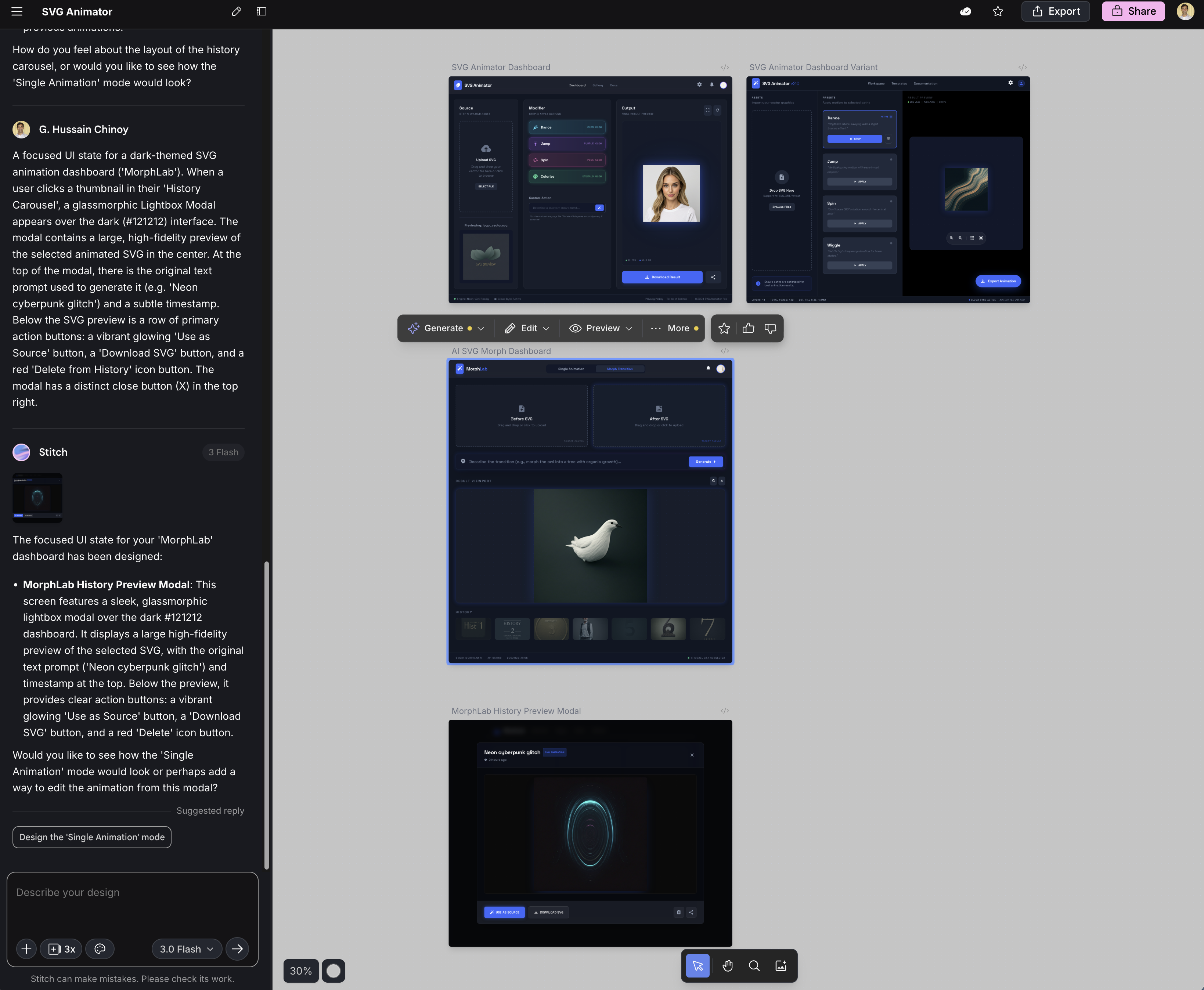
What happened next was entirely hands-off. Gemini CLI delegated the visual design to Stitch, interpreted the resulting mockup, and wrote the Lit WebComponents implementation. I didn't even look at the Stitch designs until the app was already rendering in my browser.
When I finally opened the Stitch workspace, I could see how it had iterated on the layout, providing a dark-themed dashboard that Gemini CLI then simplified into our working frontend.
The Tech Stack
- Backend: Go (lightweight proxy server)
- Frontend: Vite, TypeScript, Lit WebComponents
- AI: Google Gemini API (Gemini 3.1 Pro / Gemini 3 Flash)
- Storage: Browser IndexedDB (for the generative loop history)
The Hard Parts: Isolation and Hallucination
The most significant challenge when building MorphLab was ensuring that the LLM didn't destroy the original image's structural integrity or hallucinate completely new viewBox coordinates while trying to be "helpful."
When you ask an LLM to "make this SVG pulse with neon colors," it often wants to rewrite the entire document. Our solution required an incredibly focused prompt engineering strategy and a robust backend proxy that strictly enforces the return of raw, unformatted SVG code.
Here is the core logic from our Go backend that handles the Gemini request:
prompt := fmt.Sprintf(`You are an expert SVG animator and designer.
I will give you an SVG file. I want you to transform it by applying the following action/animation: "%s".
Return ONLY the raw transformed SVG code. No markdown formatting like `+"`"+`xml or `+"`"+`svg. Just the pure raw SVG string starting with <svg> and ending with </svg>. Ensure the animation is done using standard SVG <animate>, <animateTransform>, or CSS embedded inside the SVG. Keep the original viewbox and scaling intact but make it visually execute the requested action.

Original SVG:
%s
`, req.Action, req.SVG)

log.Printf("Sending payload to Gemini (%s)...", modelName)
resultSVG, err := callGemini(modelName, apiKey, prompt)
Furthermore, because MorphLab is built around an "iterative loop"—where the output of one generation becomes the input of the next—CSS isolation became critical. If Gemini injected a <style> block defining @keyframes pulse, the next iteration might inject a different @keyframes pulse. Without rigorous sandboxing on the frontend, these animations would bleed into one another, creating a chaos of colliding CSS rules.
The Generative Loop
To solve the "blank page" problem, we built a generative loop directly into the UI. The frontend utilizes IndexedDB to store every iteration of an SVG. You can start with a static cat (cat.svg), ask it to "draw the path organically", take that result, and ask it to "add a subtle breathing effect". Each step is cataloged and re-usable.
For those edge cases where you don't even have an SVG to start with, we built morphcli, a companion prototyping tool that leverages Gemini's vision capabilities to vectorize raw PNGs and JPEGs.
The result is an end-to-end pipeline: Raw Image -> Vectorized SVG -> Animated Asset.