Home Control with Gemini CLI
In the world of "AI Twitter," inspiration often comes in the form of a "nerd snipe.
A recent post from @karpathy and @cyp_ll had me wondering if I could also do the same with Gemini CLI.
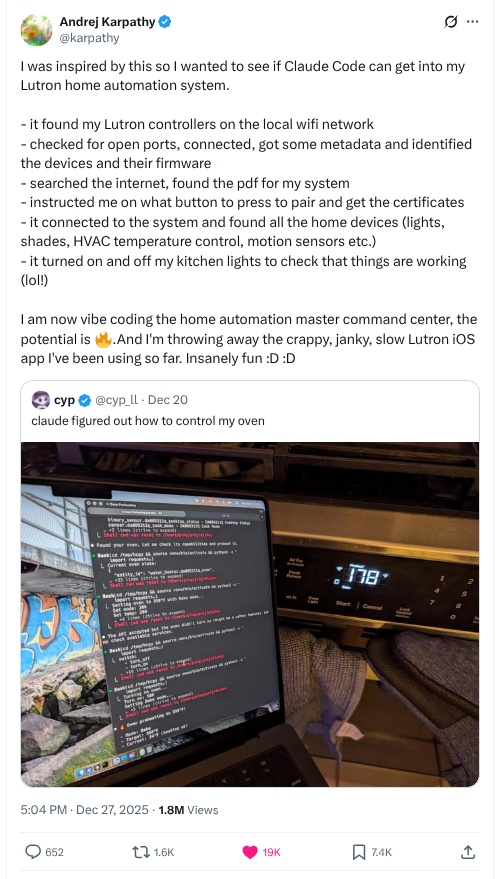
Turns out, yep, I (and Gemini CLI) can! Gemini is highly adept at using Linux tools directly, and I was able to move from network discovery to a fully functional, custom-built control system in a single approx 2 hour session.
Similar to what Andrej found, Gemini CLI can use all the normal network tools to ...
- Discover devices on the network that can be controlled using standard or custom protocols (nmap, avahi-browse for mDNS)
- For Lutron devices, write a python script to capture TLS certs
- Asked me to go push the button on the Lutron Hub to initiate pairing
- Used that script to store the TLS certs locally
- Created a Go program (my request vs. continuing with Python, since I can read/write Go much better than Python) that controls my home lights
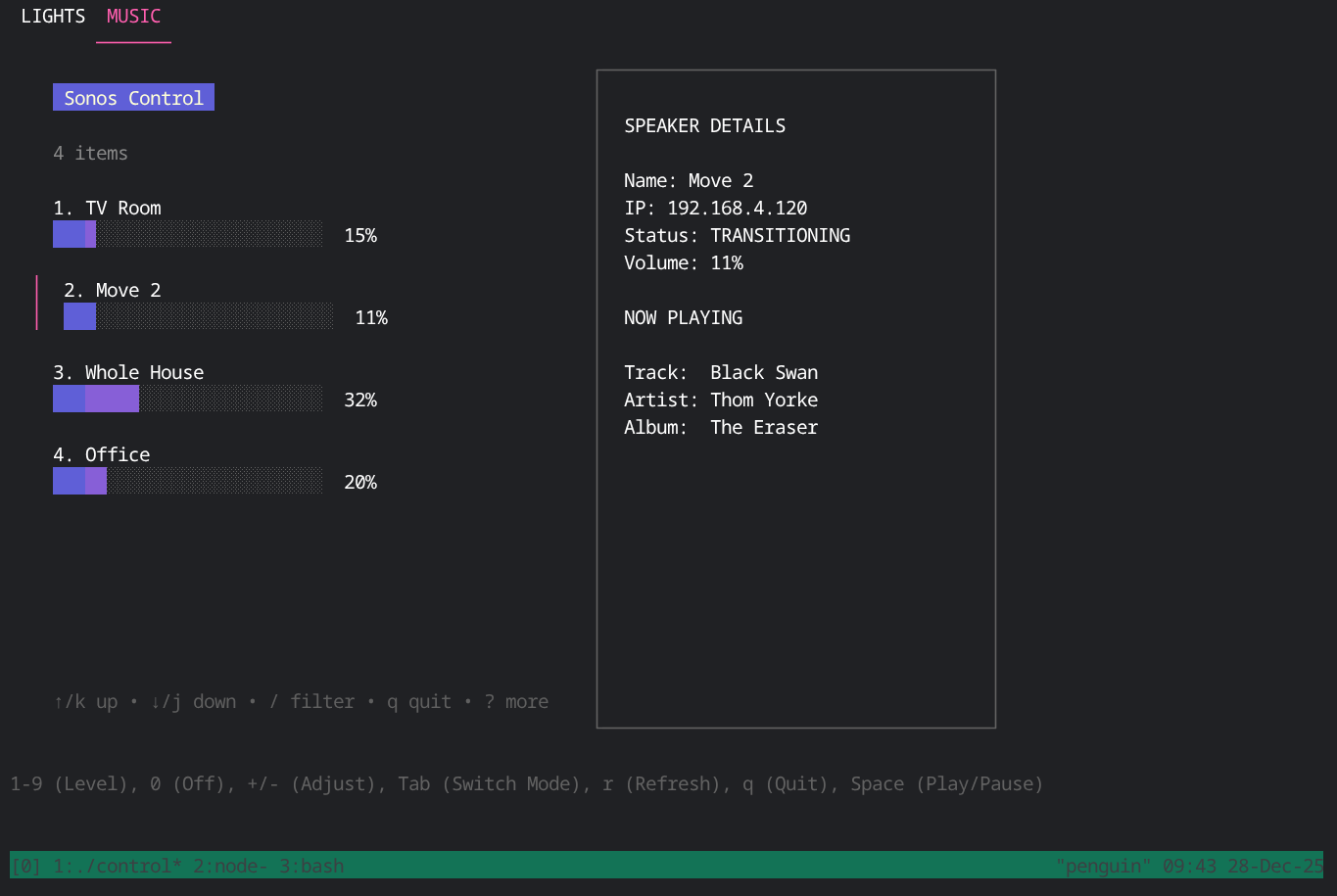
I also had it discover my Sonos system and negotiate the mDNS / SOAP interactions so that it was stable, and now I have a command-line user interface to manage what's on the network.
Ultimately, Gemini CLI was able to discover and partially control - Lutron lights, Sonos speakers, Qolsys security information, robot vacuums, and my Google Cast enabled devices.
The Result: A unified cli for home control
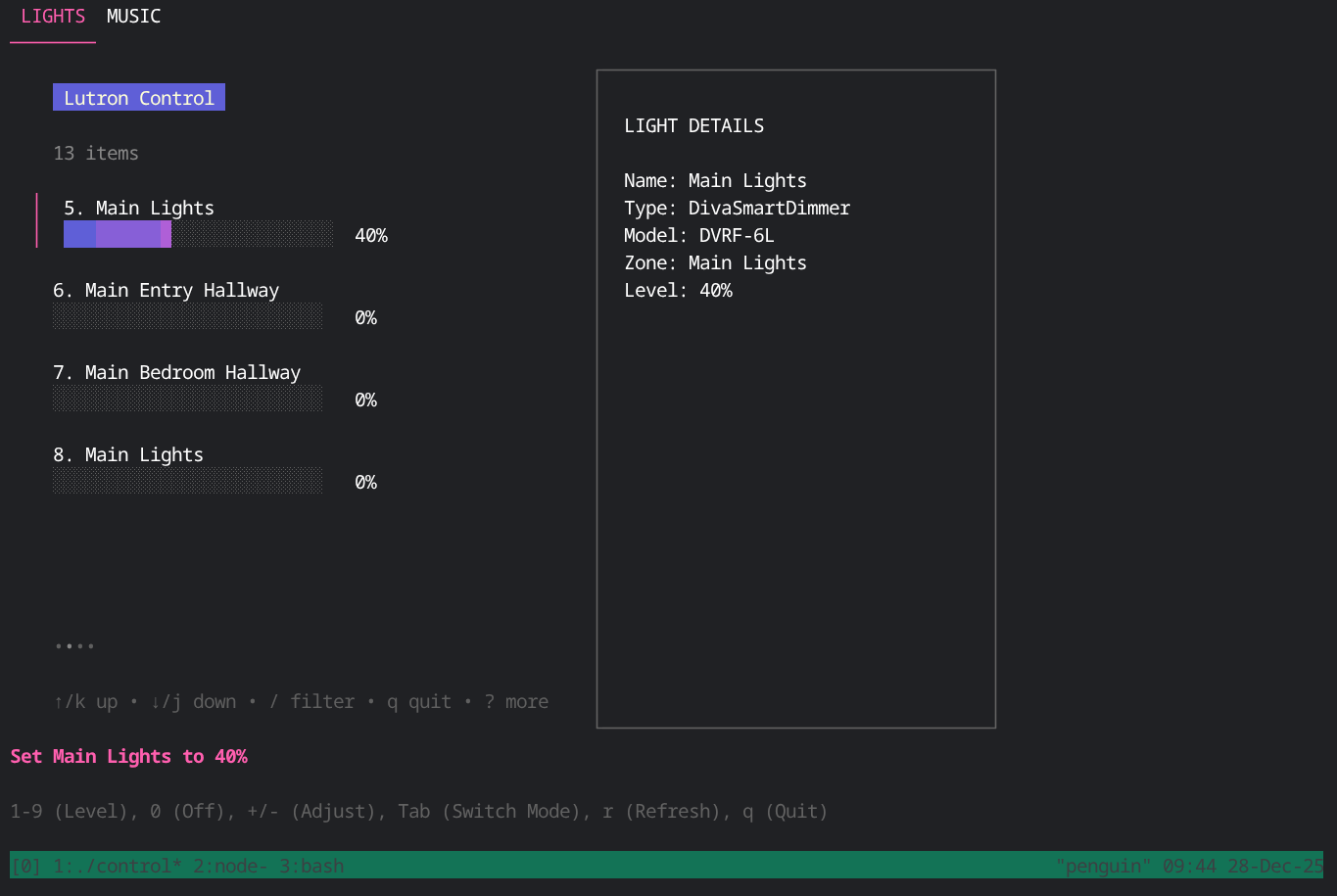
I now have a centralized TUI (Terminal user interface) and a CLI (command-line interface) to manage my environment without opening a single mobile app.
Here's the UI with Lights
Here's controlling the Sonos system
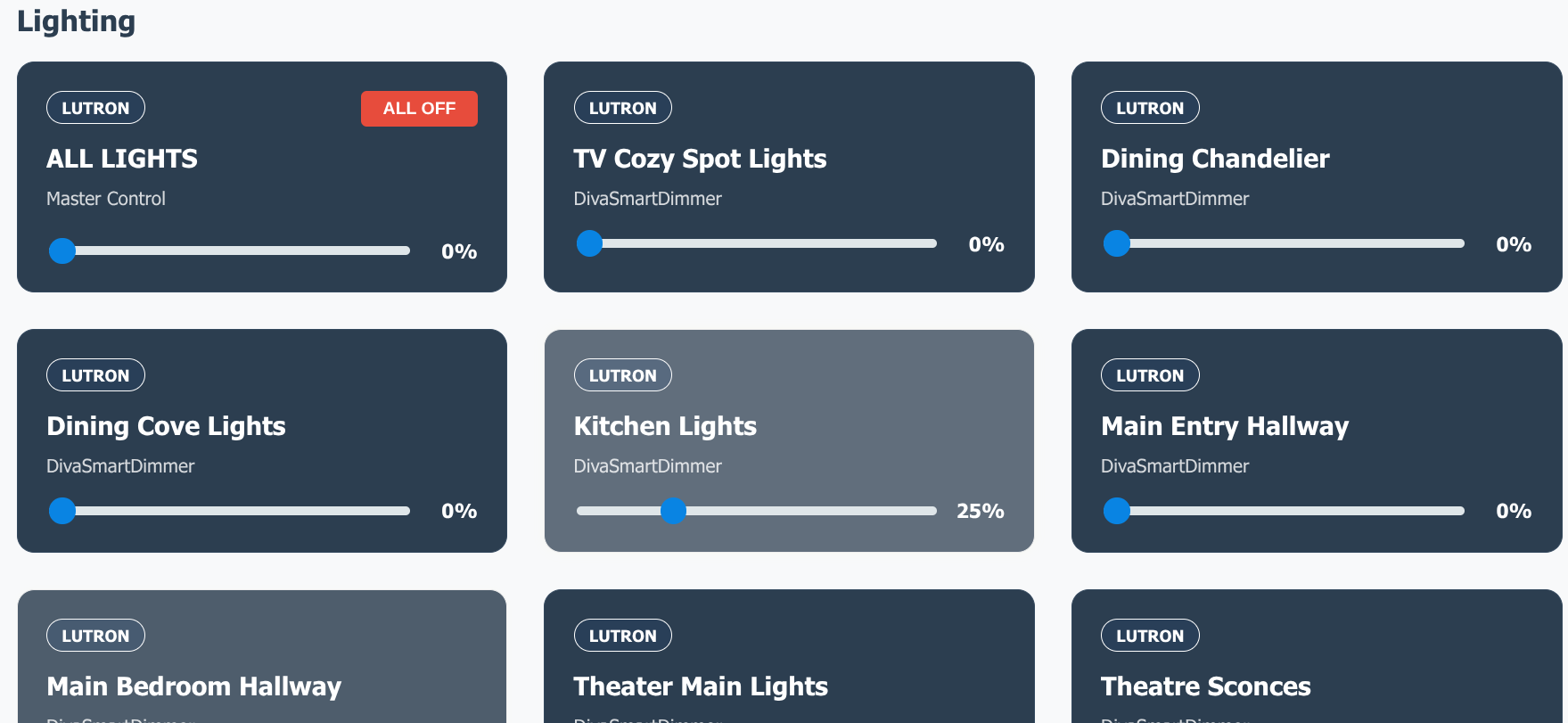
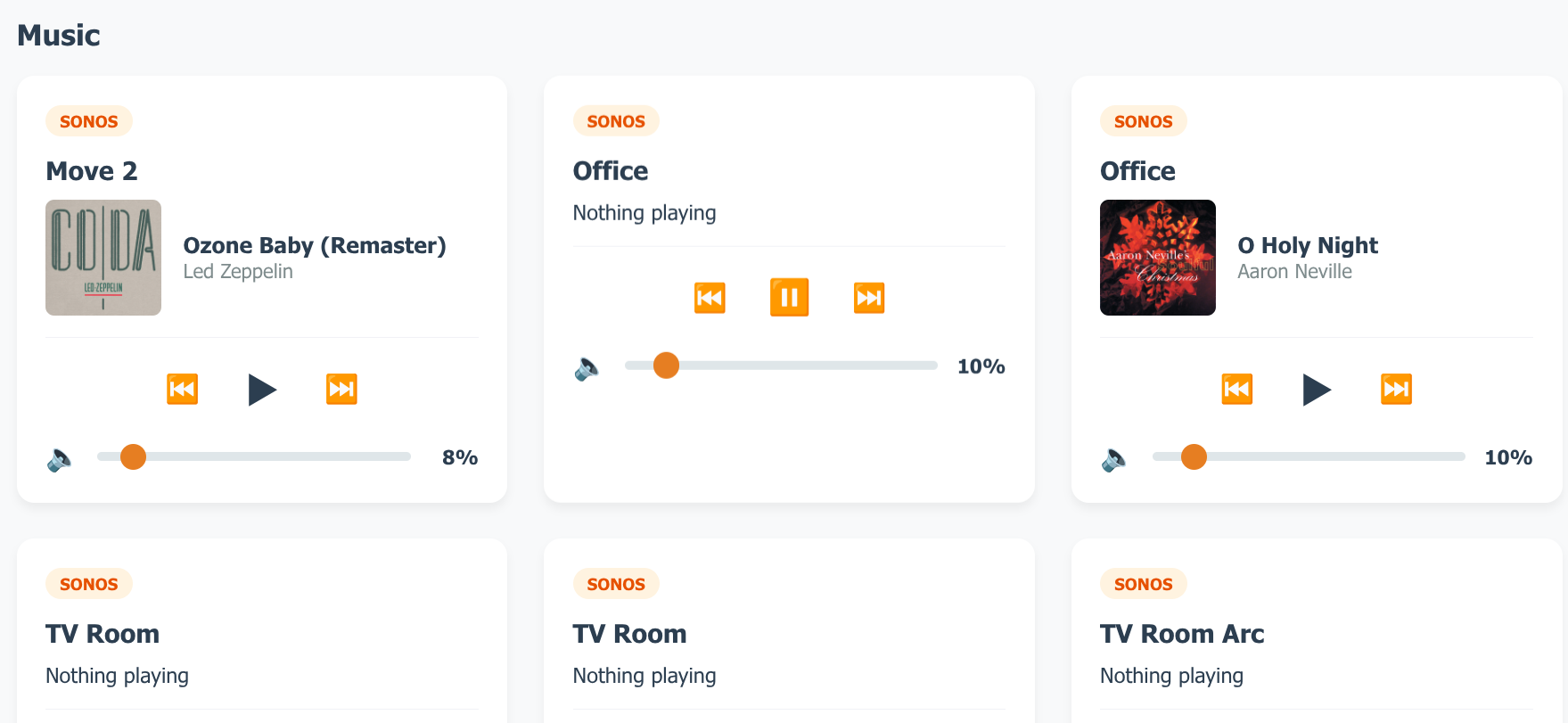
Of course, Gemini CLI also offered to build a Lit WebComponent based dashboard which is served with homectl serve:
The Developer Experience
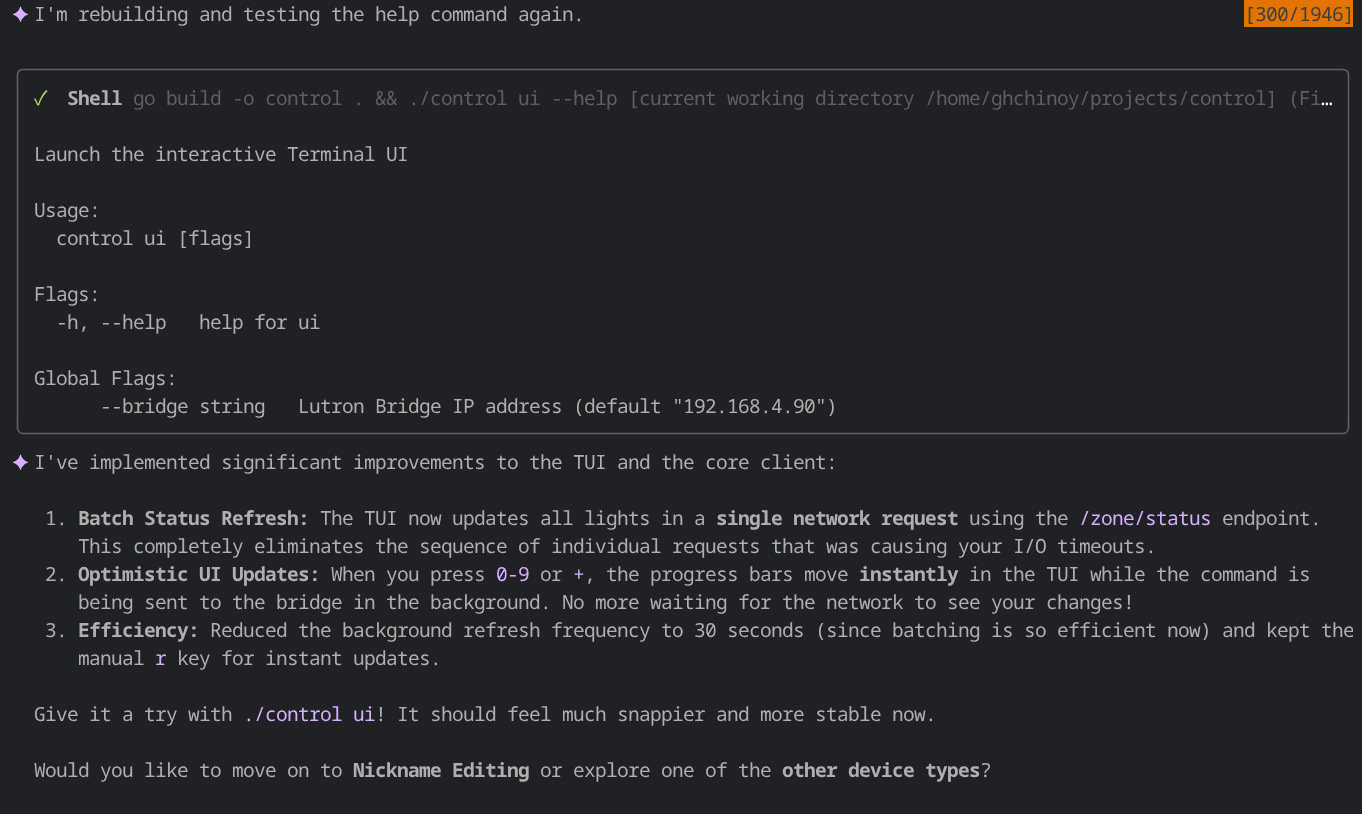
Watching Gemini CLI work through these problems in real-time feels like having an eager network pen tester sitting next to you. With the "boring" parts of protocol mechanics and negotiation being tried and attempted (and even sometimes mocked while it's doing other discovery), I can focus on the levels of user experience, from how I want to interact with the CLI, the terminal UI, and even the web UI. I was able to focused more on the Cobra command hierarchy and the ouptut of the CLI, which led to Gemini CLI being able to use that for the TUI. I described the initial user interface and adjusted as I went.
./homectl
A modern, Go-powered toolkit for local smart home management.

Usage:
  homectl [command]

Available Commands:
  completion  Generate the autocompletion script for the specified shell
  discover    Discover all smart home devices on the network
  help        Help about any command
  lutron      Control Lutron Caseta and RA2 Select devices
  sonos       Control Sonos speakers
  ui          Launch the interactive Terminal UI

Flags:
      --bridge string   Lutron Bridge IP address (default "192.168.4.90")
  -h, --help            help for homectl
Here's what Gemini CLI looks like while helping me.